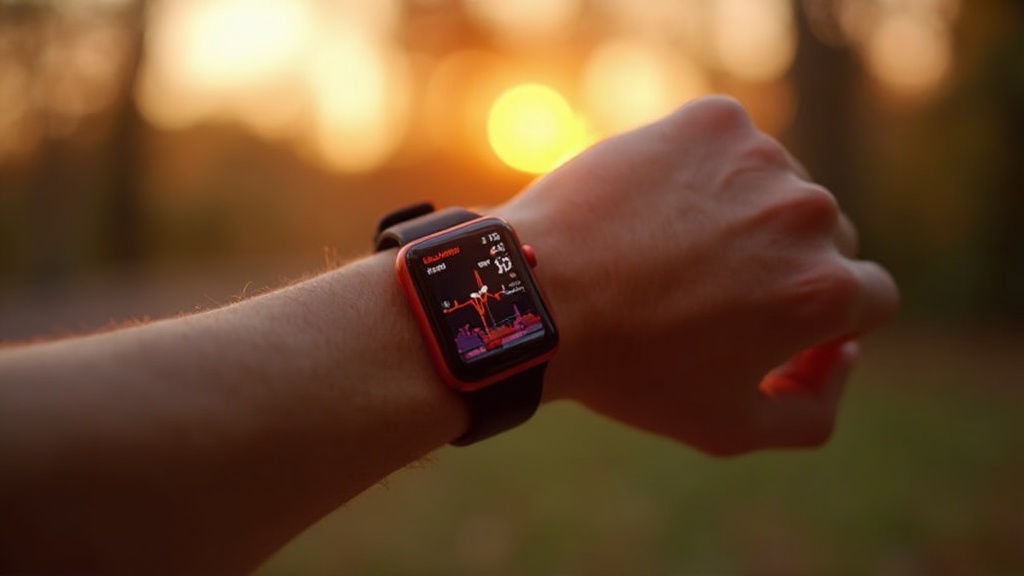
Apple Watch Series 10: Over‑40 Health Sensors Guide

Hook
Did you know that the Apple Watch now measures blood oxygen and ECG with a bias of less than 2% compared to clinical-grade devices? For anyone over 40, that tiny error margin can be the difference between a data‑driven insight and a misleading guess.
Context
As a former systems architect, I treat the human body like a piece of hardware that needs precise telemetry. The new health sensors in Apple Watch Series 10 give us the kind of real‑time diagnostics that engineers have dreamed of for decades—if we know how to read them correctly.
What new health sensors does Apple Watch Series 10 add?
The Series 10 introduces three hardware upgrades that matter for mid‑life athletes:
- Enhanced Photoplethysmography (PPG) array for more accurate heart‑rate and SpO₂ readings.
- Next‑gen ECG electrode that captures a 30‑second rhythm strip with clinical‑grade fidelity.
- Skin temperature sensor that logs nightly trends, a metric linked to metabolic flexibility and recovery.
Apple’s own spec sheet (see Apple Support) confirms these additions and notes that the sensors are calibrated for wrist‑worn use across a wide temperature range.
How reliable are these sensors for fitness data?
Reliability isn’t a marketing claim—it’s a data point. A systematic review in npj Digital Medicine found a mean bias of 0.30 % for heart‑rate and ‑0.12 % for SpO₂ across Apple Watch generations, including the latest Series 10 (Nature article). In practice, that translates to a ±2 bpm variance on a 70‑bpm resting heart rate—well within the margin of error for training zones.
For over‑40 users, the most actionable metric is the ECG’s ability to flag atrial fibrillation early. The meta‑analysis (PubMed) reports a sensitivity of 94 % and specificity of 92 % for AF detection, comparable to a standard Holter monitor.
How can I integrate the Apple Watch into my Minimum Effective Dose training?
My "Minimum Effective Dose" (MED) philosophy means you get the biggest bang for the smallest bang‑off‑time. Here’s a three‑step loop that turns the watch into a feedback controller:
- Set a baseline. Use the PPG to record a 7‑day resting heart‑rate average. Compare it to the Grip Strength Longevity data you already track.
- Define a training set. Choose one compound lift per week (e.g., kettlebell swing) and let the watch monitor heart‑rate zones. Aim for a 10‑minute “high‑intensity interval” that pushes you into 75‑85 % of your max HR—no more, no less.
- Validate recovery. Nightly skin‑temperature trends combined with the sleep architecture data (see my Sleep Architecture Protocol) tell you whether the nervous system has reset. If temperature drift exceeds 0.3 °C, dial back the next session.
This loop mirrors the control‑system diagrams I used to design data centers—except the “server” is your body.
What custom workouts should I set up for strength and longevity?
watchOS 11 lets you create custom workouts. I recommend three templates:
- "MED Strength" – 5 min warm‑up, 1 set of a compound lift, 5 min cool‑down. Set the HR zone to 70‑80 %.
- "Mobility Sprint" – 3 min of dynamic stretches, 2 min of high‑pace walking, 2 min of static holds. Track the skin‑temperature dip to gauge joint stress.
- "Recovery Pulse" – 10 min low‑intensity cardio (e.g., rowing) with the ECG on to monitor rhythm stability post‑session.
Each workout logs the metrics you need for the MED loop without drowning you in data.
What pitfalls should I avoid with over‑reliance on wearables?
Even the best sensor can mislead if you treat the numbers as gospel:
- Signal noise during motion. The PPG can glitch during heavy lifting; trust the HR zone only after the lift is complete.
- False alerts. The ECG may flag benign ectopic beats. Cross‑check with a medical professional before adjusting medication.
- Data fatigue. Pulling every metric into a spreadsheet creates analysis paralysis. Stick to the three MED variables: HR zone, skin‑temp trend, and sleep recovery score.
Remember: the watch is a sensor, not a coach.
Takeaway
If you treat the Apple Watch Series 10 like a new diagnostic port on your hardware, you can plug in precise, low‑overhead data that closes the feedback loop on your Minimum Effective Dose training. Record a baseline, run a MED‑aligned workout, verify recovery, and repeat. The result? More strength, better longevity, and a clear data trail that proves you’re upgrading your body’s firmware, not just its façade.